
Your phone is one of your most useful travel tools in Korea. You may need it to navigate Seoul, translate a menu, check a train route or find your hotel after landing. But choosing a mobile plan can be confusing, especially when a product advertises a Korean phone number without explaining exactly what that number can do.
For a short trip, the main options are a travel eSIM, a physical Korean SIM card or roaming through your home carrier. The right choice depends on your phone, trip length and whether you need mobile data alone or ordinary calls and texts.
eSIM, Physical SIM or International Roaming?
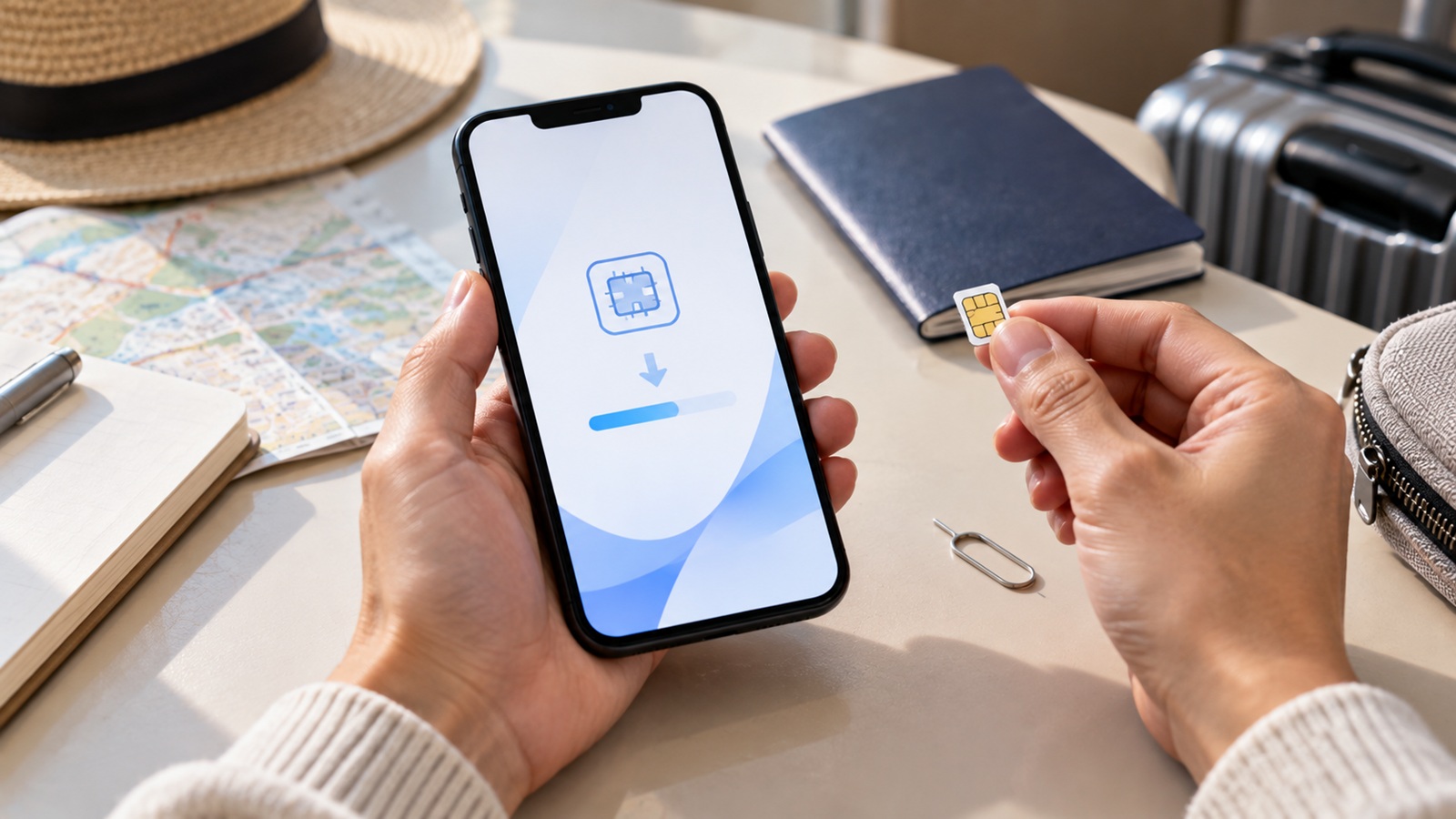
An eSIM is a digital SIM installed on a compatible phone, often using a QR code. A physical SIM, sometimes called a USIM in Korea, is a card you insert into your phone. International roaming uses your existing provider while abroad.
| Option | Main advantage | Check before buying |
|---|---|---|
| Travel eSIM | No physical card to collect or swap | eSIM compatibility, carrier lock and activation instructions |
| Physical Korean SIM | Useful for phones without eSIM | Phone compatibility, pickup location and included services |
| Home-carrier roaming | Keeps your existing service arrangement | Korea coverage, daily charges and data limits |
Korea Tourism Organization lists both physical USIM cards and eSIMs for international visitors. Some products can be ordered before departure; availability and pickup arrangements vary by seller.
Do You Need a Korean Phone Number?
This is the question to answer before comparing prices. A data-only plan may be enough for maps, translation, messaging and internet-based calls. A plan with a Korean number may help if you expect ordinary calls or SMS from local businesses.
A Korean phone number does not automatically provide access to Korean identity-verification services. Receiving a text message and completing a service’s identity-verification process are different capabilities. Visitor SIM providers can also require passport or entry verification before enabling voice and SMS.
Ask whether your plan includes data only or regular calls and SMS; whether incoming and outgoing services are enabled immediately; whether extra charges apply; and whether the particular app or service you need accepts that number.
Not every Korean delivery app requires a Korean number. Our guide to ordering food delivery in Korea as a tourist explains how signup, payment and delivery arrangements can differ.
How to Check Whether Your Phone Supports eSIM
Check your exact phone model and the region where it was sold. Similar-looking devices can have different SIM capabilities. Look for an Add eSIM option in your phone’s cellular or SIM settings, but confirm support with your manufacturer or carrier.
Also confirm that your phone is carrier-unlocked. A phone may support eSIM technically but still be restricted to your home provider. If you are unsure, check compatibility with the Korean seller before paying.
Should You Buy Before Flying or at the Airport?
Buying an eSIM online before departure can save time after landing. Save the purchase confirmation and setup instructions while you still have reliable internet access. Check when the plan’s validity begins: installation, first network connection and activation are not necessarily the same event.
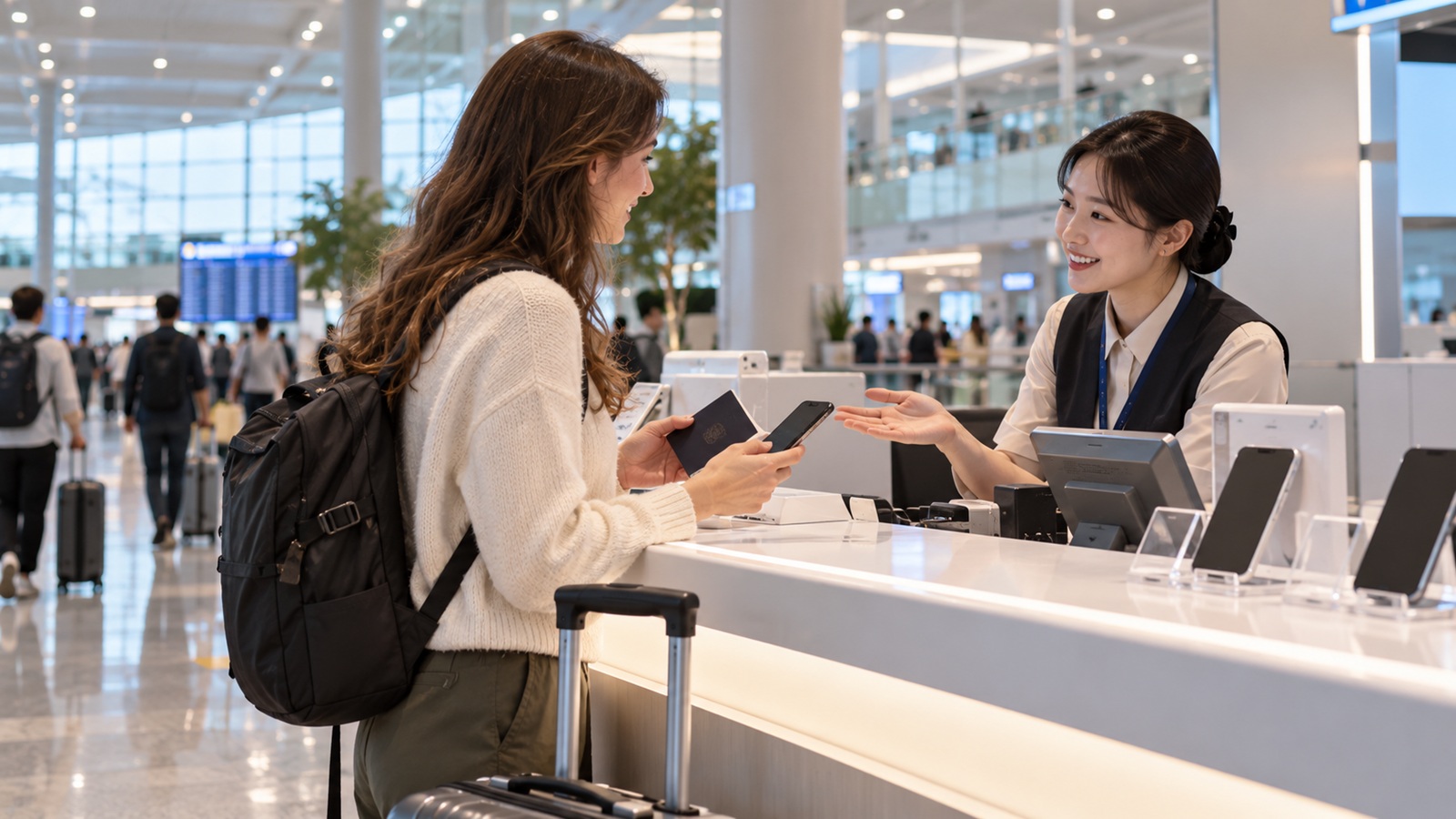
Buying a physical SIM at an airport counter can be helpful if you want staff assistance or need to confirm voice and SMS eligibility. Check the provider’s terminal, counter hours and pickup requirements, especially for a late-night arrival.
If you are collecting a SIM after landing, plan your onward journey too. Our Incheon Airport to Seoul guide
How to Set Up Your eSIM After Arriving in Korea
Follow the instructions for your specific product rather than assuming every eSIM activates the same way. Save any QR code or activation details so you can access them without mobile data. Some providers permit installation before departure; others have particular activation rules.
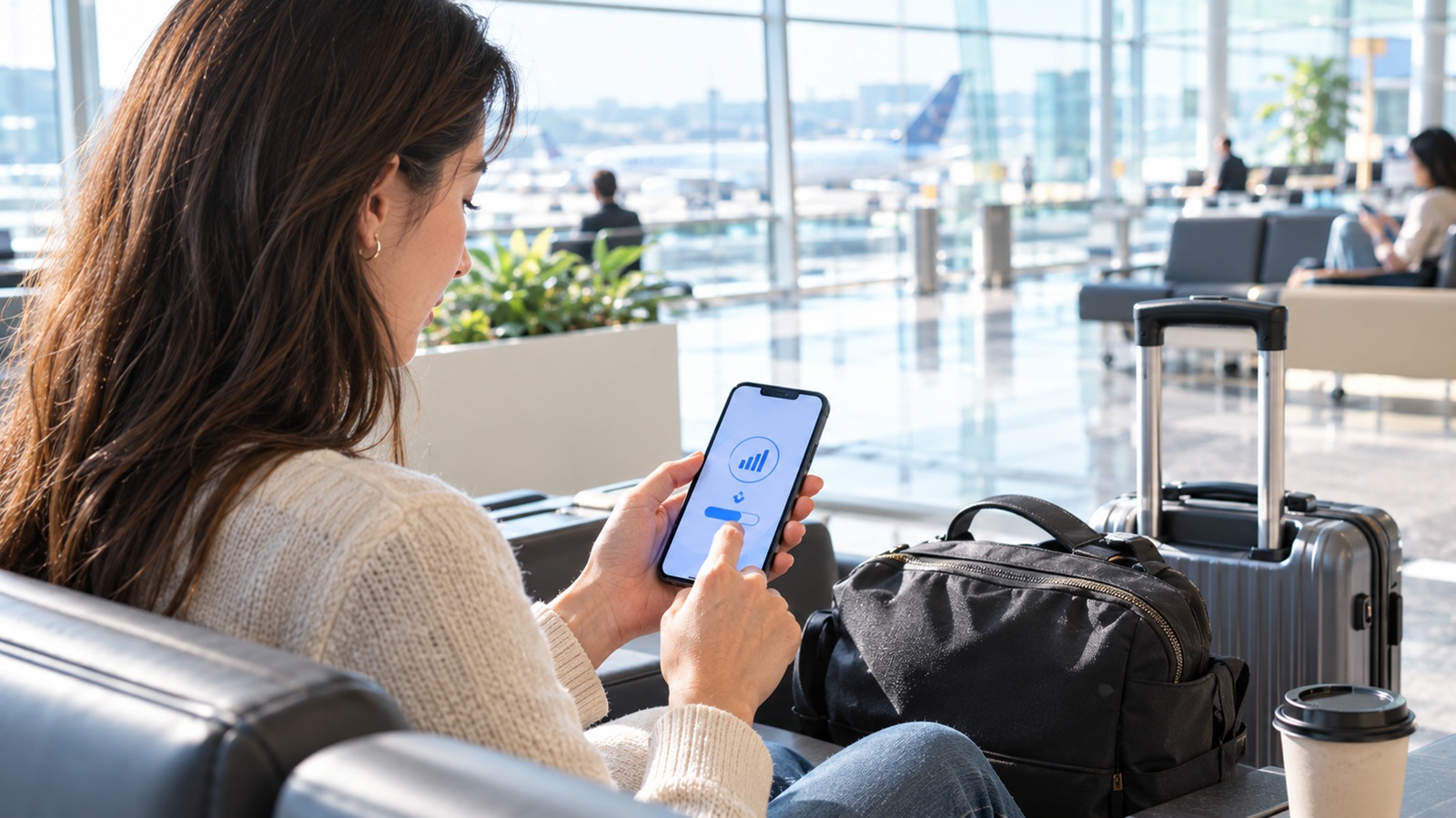
After landing, select the Korean line for mobile data and apply the network or data-roaming settings specified by the seller. Keep your home line’s roaming settings under control if you want to avoid unexpected charges. Test a webpage and a map before leaving the airport.
Do not delete an installed eSIM unless your provider instructs you to do so: some profiles cannot simply be reinstalled with the same QR code.
What If Your eSIM or SIM Card Does Not Work?
Confirm that your plan is active, your phone is unlocked and the correct line is selected for data. Check the provider’s roaming and network-selection instructions. If you use two SIMs, make sure your phone is not using the wrong line for mobile data.
If data works but calls or texts do not, check whether you bought a data-only plan or whether passport verification is still required. Contact the seller or visit its official airport service counter if the problem continues; keep your order confirmation available.
A Practical Choice for Different Trips
For a short city break focused on navigation, translation and messaging, a compatible data eSIM may meet your needs. If your phone does not support eSIM, consider a physical SIM. If you need ordinary calls or SMS, choose a product that explicitly includes those functions and check its verification requirements.
If you need to remain reachable on your usual number, compare your home carrier’s roaming options and your phone’s dual-SIM settings. Read the actual product conditions rather than relying on labels such as “unlimited” or “Korean number.” Speed restrictions, fair-use policies, charges and activation rules can differ.
Once your mobile data is working, our Seoul subway and T-money guide
Frequently Asked Questions
Can I buy a Korea eSIM before arriving?
Yes. Some visitor eSIMs are sold online. Check compatibility and the provider’s installation and activation instructions before purchasing.
Do I need a passport to buy a Korean SIM card?
Passport information or verification may be required, particularly for products that include voice and SMS. Check the seller’s current requirements.
Will a data-only eSIM work with maps and translation apps?
A working mobile-data connection supports internet-based apps, subject to each app’s availability. A data-only plan does not include ordinary cellular calls or SMS unless stated.
Can I use a tourist phone number for online identity verification?
Do not assume so. Check both the mobile provider’s conditions and the requirements of the service you want to use.
Can I keep my home SIM active while using a Korean eSIM?
Many compatible phones support dual-SIM arrangements. Check which line is selected for data, calls and SMS, and review home-carrier roaming charges.
Is airport pickup necessary for an eSIM?
Not always. Some eSIMs can be purchased and installed online, although certain services may require in-person verification.