
Booking information checked October 28, 2026. Platform features, payment options and restaurant policies can change.
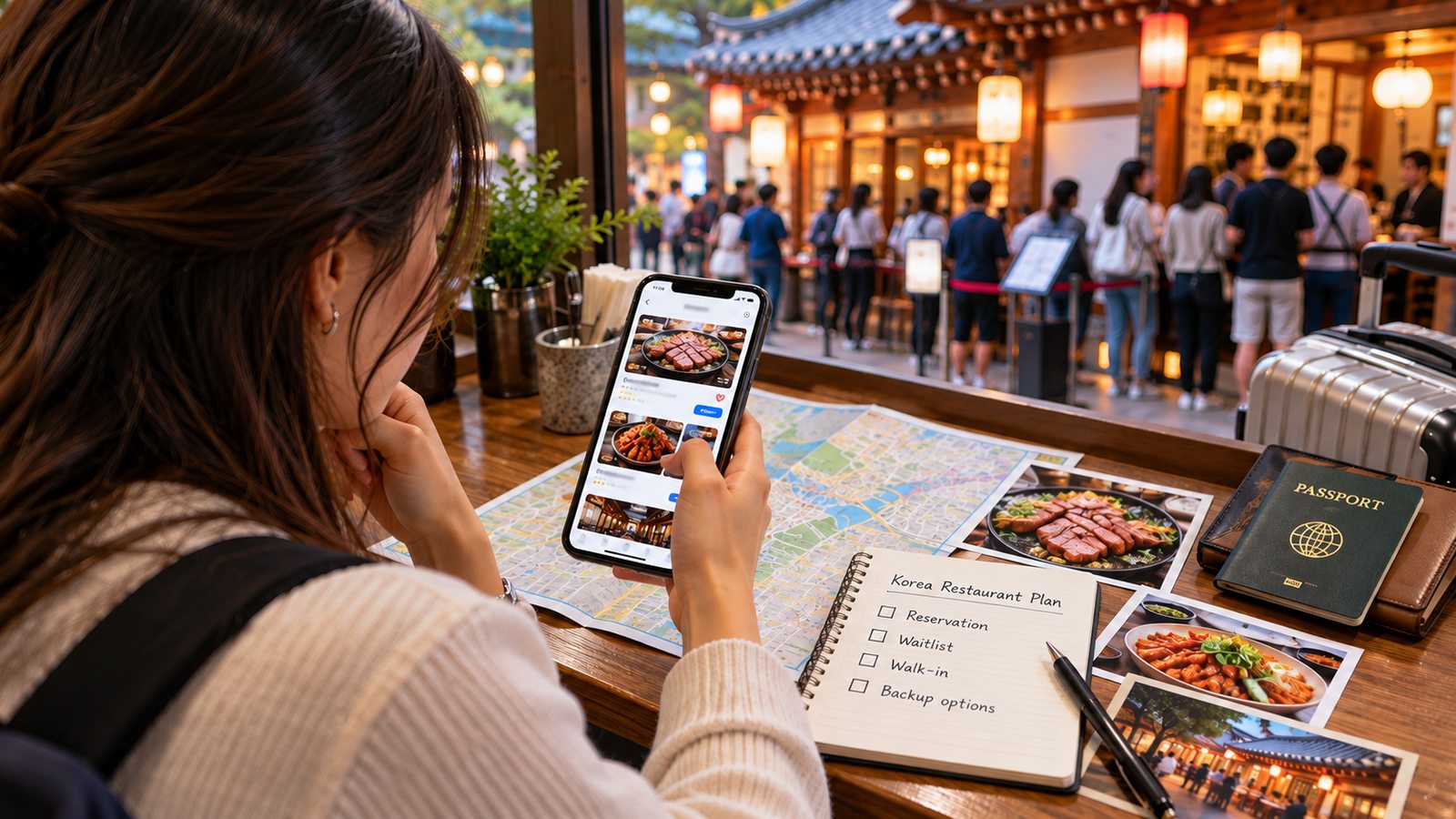
You have found a restaurant you want to visit in Korea. Then the booking page asks for verification, a deposit or a place on a waitlist. You have an overseas phone number and perhaps a data-only eSIM. What should you do next?
For restaurant reservations in Korea, the answer depends on two things: which booking methods that particular restaurant offers, and whether you need a confirmed table or can accept an uncertain wait.
CATCHTABLE Global and supported NAVER Booking services provide routes for visitors without Korean phone numbers. But neither turns every restaurant into an instantly bookable option. Sometimes the right move is to reserve ahead. Sometimes it is to join a queue. And sometimes walking in is perfectly reasonable.
Quick Answer
You do not necessarily need a Korean phone number to book a restaurant in Korea.
- For a must-visit restaurant: Check its official booking link and try CATCHTABLE Global or supported NAVER Booking.
- For a restaurant offering remote waiting: Join its waitlist, then monitor your turn. A queue position is not a fixed seating time.
- For on-site waiting: Go to the restaurant and follow its tablet or staff instructions.
- For a flexible meal: Walk in where the restaurant permits it, with a nearby backup.
- If the booking route does not work: Use the restaurant’s advertised contact method to ask about alternatives.
Before committing, check the exact branch, confirmation status, payment arrangement and cancellation policy. A booking request is not necessarily a confirmed reservation.
Which Restaurant Booking Method Should You Use?
| Method | Best for | What it secures | Main limitation |
|---|---|---|---|
| CATCHTABLE reservation | A planned meal | A table once confirmed | Availability and payment rules vary |
| CATCHTABLE remote waitlist | Restaurants offering remote queue access | A queue position | No fixed seating time; follow arrival instructions |
| On-site queue | Joining after arrival | A queue position at the venue | Registration methods vary |
| NAVER Booking | Supported participating businesses | A table once confirmed | Verification and payment eligibility |
| Direct restaurant booking | Venues advertising a direct channel | The arrangement the venue confirms | Not universally offered |
| Walk-in | Flexible meals with a backup | Seating if available | No guaranteed table |
Reservation, Remote Waitlist and On-Site Queue: What Is the Difference?
A reservation plans a meal for a particular time
A restaurant reservation normally concerns a specified date, time and party size. You may also need to select a course or seating option.
The important step is confirmation. Selecting a time, submitting a request or reaching a payment screen does not by itself establish that you have a confirmed table.
A remote waitlist gives you a queue position
Remote waiting lets you register before reaching the restaurant, where that option is available.
KTO describes CATCHTABLE Global queue numbers delivered by email and queue progress available through the app. Keep those channels accessible and follow the restaurant’s arrival instructions.
Do not treat the displayed number of waiting parties as a reliable countdown. It does not tell you exactly when a table suitable for your group will become available.
An on-site queue starts after you arrive
Some restaurants require you to register at the venue, such as through a tablet, or speak to staff.
Follow that location’s instructions. Do not assume every kiosk accepts overseas numbers or has the same foreign-visitor workflow. If the form does not work for you, ask staff how to register rather than entering a made-up number.
Priority Entry is not the same as a reserved table
Some waiting products have additional conditions.
If that product appears, read its specific conditions instead of treating it as an ordinary reservation.

How to Use CATCHTABLE Global Without a Korean Phone Number
1. Find the exact restaurant and branch
Use the restaurant’s official link where possible, or search CATCHTABLE Global.
Check the location carefully. Similar names and multiple branches can lead to a booking in the wrong neighborhood or city.
Look for the service actually offered: Reserve, Join Remote Waitlist, or on-site waiting instructions. A restaurant listing does not mean every option is available.
2. Sign in through a supported option
The live sign-in panel checked on October 28, 2026 also displayed LINE. Available login options may change.
Use an email account you can access during your trip. If you need help preparing connectivity and translation tools, see our guides to essential apps for traveling in Korea and Korea eSIM versus SIM cards.

3. Choose a reservation or join a supported waitlist
For a reservation, select the available date, party size and time, then review any course or seating requirements.
For remote waiting, check that the service is offered and currently available. Read the arrival instructions before joining. Do not join a queue you cannot realistically return to when called.
There is no universal booking-release schedule for every CATCHTABLE restaurant. Follow the venue’s own announcements and available dates.
4. Read the payment and cancellation conditions
Before proceeding, establish:
- Whether the amount is a deposit or advance menu payment.
- Whether a payment method must be registered even without an upfront deposit.
- What happens if you cancel, arrive late or bring fewer guests.
- Whether the deposit is refunded separately or applied to the meal.
- Whether the menu and seating arrangement suit your group.
A booking platform accepting overseas cards does not guarantee approval of every foreign card.
5. Check the result and save the details
For a reservation, make sure the booking is confirmed. Save the branch, date, time, party size, booking name and applicable cancellation conditions.
For a waitlist, keep monitoring the queue and any arrival instructions. A saved queue-number screenshot is useful as a reference, but it does not replace live status updates.
Can Foreign Visitors Use NAVER Booking?
Yes, for supported booking flows. The old assumption that NAVER reservations always require Korean mobile-number verification is no longer a reliable general rule.
The passport-verification route
Its passport-verification guidance specifies an original, unexpired passport issued outside Korea. The passport must not already have verified another ID, and the name and date of birth must match the NAVER account information.
Verification involves photographing the original passport through the device camera and completing facial verification.
Use NAVER’s official verification flow. Do not send passport images to an unofficial booking intermediary simply because it claims verification is necessary.

What passport verification does not guarantee
Passing identity verification does not:
- Create an available table.
- Make every restaurant participate in NAVER Booking.
- Ensure that the business supports the relevant overseas-payment route.
- Guarantee acceptance of your card.
- Unlock every NAVER service or domestic verification function.
Merchant participation and payment arrangements still matter.
Booking and payment are separate checks
Search for the exact business and look for its supported booking link. Review the available product, date, time and payment conditions.
NAVER’s documented overseas-card registration route supports Visa, Mastercard, UnionPay, AMEX, JCB and Discover. That list applies to this NAVER route, not automatically to other platforms.
Authentication can still fail because of incorrect card details or issuer-declined 3DS (card-security) authentication. A card failure does not necessarily mean passport verification failed.
Most importantly, NAVER says “Booking in progress” means the business is still checking availability; it is not confirmation. Check the final status before planning your visit around it.
When Is Walking In a Realistic Option?
Walking in makes sense when the restaurant explicitly accepts it and you can tolerate uncertainty.
It is a stronger choice when:
- The restaurant advertises walk-in seating.
- Your meal time is flexible.
- You can accept a queue or choose somewhere else.
- You have a nearby backup.
- You have checked opening hours, break time and last order.
It is a weaker choice when the meal is central to your trip, your schedule is tight, or the restaurant states that reservations are required.
Sold out online does not always mean no walk-ins
The answer can differ even between restaurants on the same platform.
Confier’s listing, checked on October 28, 2026, explicitly stated that dining was unavailable without a reservation. By contrast, CONCASSE’s listing advertised walk-in tables even when online reservations were full, while warning that a wait might occur.
These are examples of different policies, not guarantees about future availability. Check the current branch information before traveling there.
Can you book directly or ask your hotel?
Try direct contact when the restaurant advertises phone, email or another booking channel. Ask whether it accepts reservations through that channel and what information or payment it requires.
Do not assume an advertised email address handles every ordinary booking. For example, EVETT’s official reservation page, checked for this guide, directed general reservations through CATCHTABLE and provided email for group inquiries.
Your hotel may be able to help contact a restaurant, but that does not create inventory or override its booking rules. Treat assistance as a fallback, not a guaranteed reservation service.
Deposits, Advance Payments, Cancellation Fees and No-Shows
A reservation deposit is not necessarily part-payment for dinner
Ask what happens to the deposit if you attend.
It might be refunded separately, credited toward the bill, or handled under another disclosed arrangement. Do not subtract it from the meal bill yourself.
The Confier listing inspected for this guide described paying for the meal and receiving the reservation deposit back separately. That arrangement must not be generalized to every restaurant.
Advance menu payment is a different commitment
An advance menu payment covers all or part of a selected menu price. Check which guests, courses and items it includes.
For broader payment preparation, read how to pay in Korea as a tourist.
Zero deposit does not necessarily mean zero liability
CATCHTABLE’s terms, effective October 20, 2026, allow some zero-deposit reservations to require a registered automatic-payment method.
Read the cancellation and no-show conditions before agreeing. The amount due immediately and the amount potentially chargeable later are different questions.
Cancellation and no-show rules vary
Do not assume a deadline from another restaurant applies to yours.
CATCHTABLE assigns cancellation and no-show charges to the seller’s policy. NAVER likewise warns that a business’s policy can produce a cancellation fee, including periods with no refund.
Check:
- The cancellation cutoff and applicable local time.
- The refund amount shown before confirming cancellation.
- Late-arrival and no-show conditions.
- Whether changing party size requires contacting the restaurant.
- How and when any eligible refund is processed.
Being able to cancel is not the same as being entitled to a full refund. Refund timing also varies; do not plan around a universal refund period.
Check dietary suitability before paying
A restaurant accepting your booking does not establish that it can accommodate an allergy or dietary restriction.
Check the actual menu and ask about necessary accommodations before committing to a course. Our guides to food allergies in South Korea and vegetarian food in Korea explain the questions worth asking.
Before You Confirm
Use this short checklist:
- Correct branch: Does the address match the place you intend to visit?
- Correct details: Date, Korea Standard Time (KST, UTC+9), party size and booking name.
- Correct status: Confirmed reservation, pending request or queue position?
- Correct payment: Deposit, advance menu payment or registered payment method?
- Acceptable conditions: Cancellation, no-show, lateness and party-size rules.
- Suitable meal: Menu, dietary needs, seating and any relevant group restrictions.
- Arrival plan: How will you receive updates, check in and reach the restaurant?
- Saved record: Confirmation and the conditions attached to your booking.
After booking, our guide to eating at a Korean restaurant covers ordering, banchan, paying and etiquette.
Choose Your Booking Route
For a must-visit meal or a tight schedule, prioritize a confirmed reservation through the restaurant’s official route. For a flexible meal, choose a supported remote waitlist, an on-site queue or walk-in seating only if you can meet the arrival conditions and accept a backup restaurant.
If online booking or payment fails, ask through the restaurant’s advertised contact channel about a permitted alternative. If none is available, choose another date or restaurant.
The best booking method is the one that gives you an acceptable level of certainty for that meal. You do not need to reserve every meal, but you should not leave a must-visit restaurant to chance without checking its policy.
FAQ
Do I need to buy a Korean SIM just to book restaurants?
Not necessarily. CATCHTABLE Global and supported NAVER passport-verification flows provide options without a Korean phone number. Check the particular restaurant’s booking route before buying a phone plan solely for reservations.
Can I use a US, UK, Canadian or Australian passport for NAVER verification?
NAVER’s published eligibility covers passports issued outside Korea, subject to its validity, account-matching and other requirements. An eligible passport does not guarantee that every restaurant or service will be available.
Is a remote waitlist the same as a reservation?
No. A reservation concerns a specified booking; a remote waitlist gives you a position in a queue. Do not interpret a queue number as a promised seating time.
Are restaurant waitlists free?
Do not assume that every waiting product is free. KTO describes standard CATCHTABLE remote and on-site waitlists as deposit-free, but newer products and restaurant-specific conditions need separate checking.
What if my foreign card is declined?
Check the details, supported payment route and any issuer-authentication requirement. If necessary, contact the issuer or restaurant about an alternative it actually accepts. Do not assume every overseas card works because the platform supports foreign-card payments.
Is my booking confirmed after I submit the request?
Not always. Read the status. NAVER explicitly distinguishes a pending booking request from confirmation. On any platform, save the final booking details rather than relying only on a selected time slot.
Sources
Platform information and restaurant examples checked October 28, 2026:
- Korea Tourism Organization: CATCHTABLE Global reservations and waitlists
- CATCHTABLE Terms of Service, effective October 20, 2026, especially Articles 10–12
- NAVER: Passport-verification announcement
- NAVER Help: Foreign Passport Verification
- NAVER Help: How Users Make Bookings
- NAVER Help: Supported overseas-card networks
- NAVER Help: 3DS authentication failures
- NAVER Help: Cancellation of confirmed Npay bookings
- Restaurant-specific examples: Confier, CONCASSE and EVETT’s official reservation page